Right Click Prompt
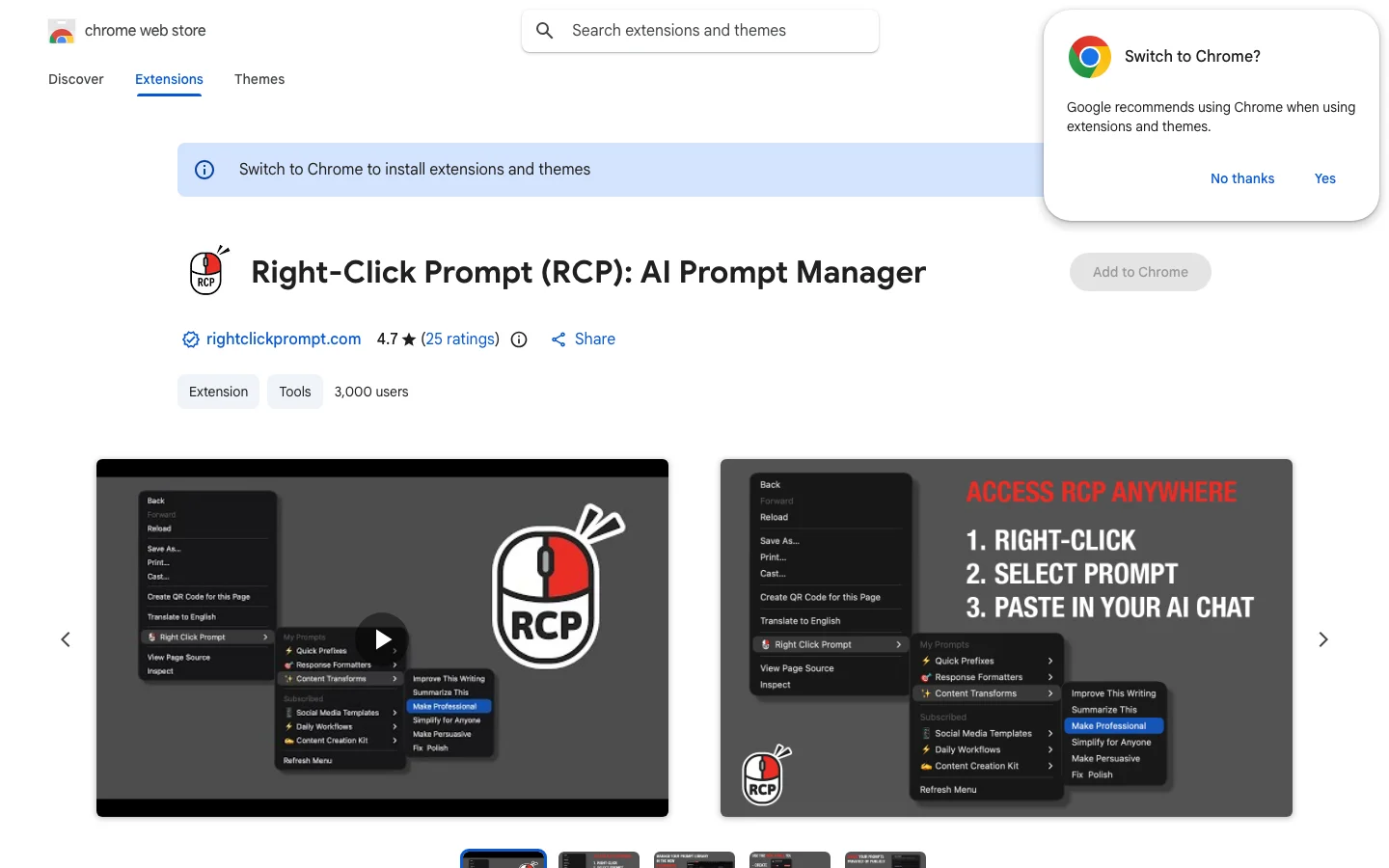
Right Click Prompt is a Chrome extension that lets you save, organize, and insert AI prompts via the right-click menu, boosting workflow efficiency.
Chrome ExtensionPrompt ManagementAI ProductivityRight Click MenuCopy Paste ToolPrompt LibraryWorkflow Automationprompt managerworkflow tooltext insertiondeveloper tool
Right Click Prompt Introduction
Right Click Prompt is a Chrome extension designed to streamline the use of AI prompts across different websites and tools. Instead of keeping a separate document with prompt templates, users can store their best prompts and inject them exactly where needed via a convenient right-click menu. This solves the friction of copying and pasting from other sources and ensures consistency when working with ChatGPT, Claude, or other AI platforms. It is perfect for content creators, developers, and anyone who relies on prompt engineering daily. Key features include prompt categorization, quick editing, and placeholder support for dynamic prompts.
Key Features
- Save frequently used AI prompts and access them via right-click context menu
- Organize prompts into categories for different tasks or tools
- Insert prompts into any text field with a single click
- Easily edit and update prompts without leaving the page
- Support for dynamic placeholders that you fill in before pasting
- Save frequently used AI prompts and access them with right-click
- Organize prompts into folders by project or category
- Quickly insert prompts into ChatGPT, Claude, and other AI chats
- Dynamic variables to customize prompts on the fly
- Syncs across devices via Chrome account