
Browse AI
Browse AI uses no-code web scraping tools to extract and monitor data from any website, automating research and data collection for businesses.
Web ScrapingNo-CodeData ExtractionMonitoringProductivityNo-Code AutomationWebsite MonitoringData PipelineMarket Research
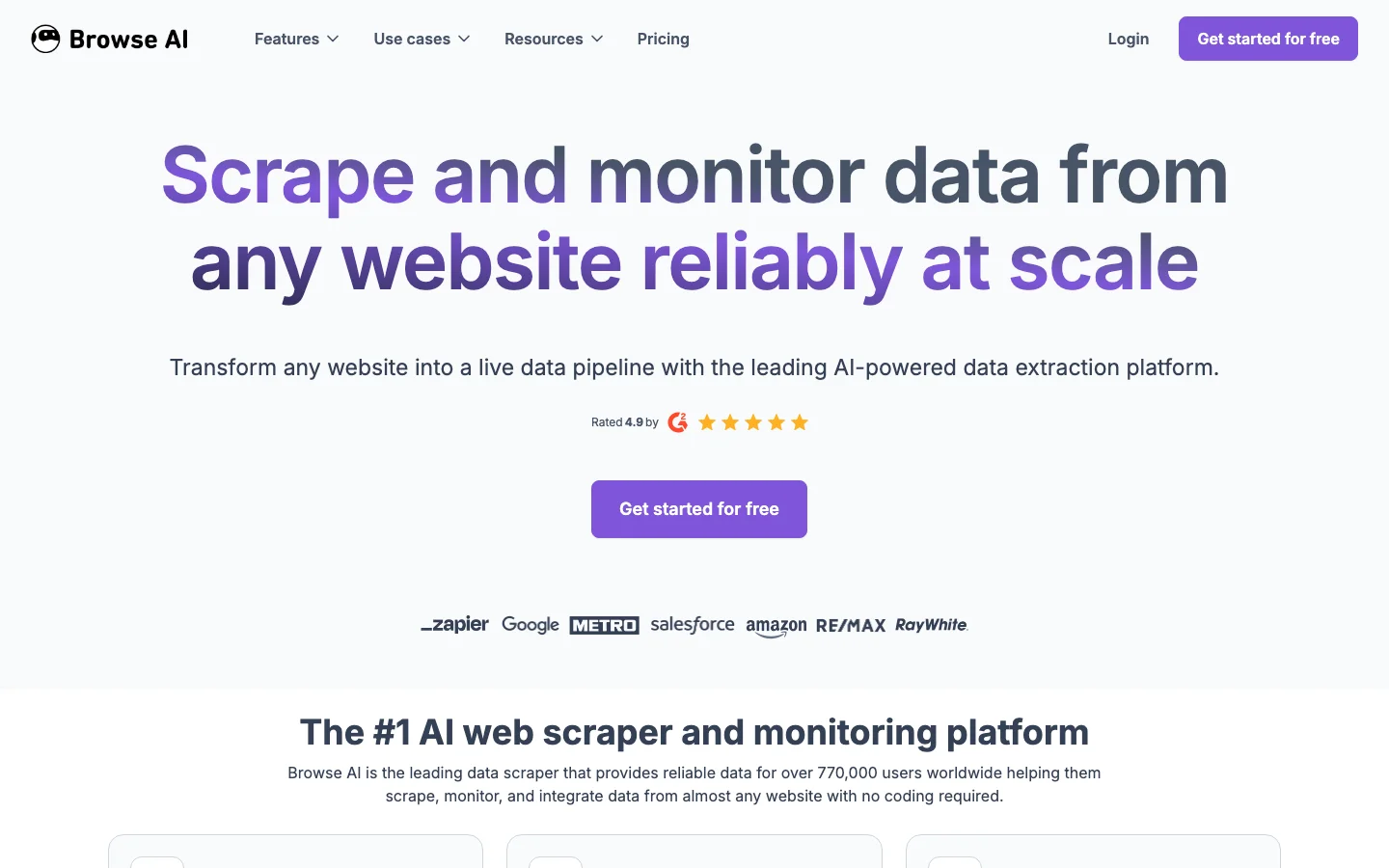
Browse AI Introduction
Browse AI is a leading no-code web data extraction tool that makes scraping and monitoring websites accessible to everyone. You can train a robot in minutes by simply showing it what data to collect. It then runs on a schedule, handling the technical hurdles of captchas and dynamic content, and pipes the clean data directly into your spreadsheets or applications. This is an essential tool for marketers, sales teams, and analysts who rely on web data for competitive intelligence, lead generation, and market research.
Key Features
- Train a robot to extract data from any website in minutes
- Monitor web pages for changes and get alerts
- Handle pagination, login, and dynamic content
- Export data to Google Sheets, API, or CSV
- Schedule recurring extractions on autopilot
- Point-and-click to select data for extraction—no coding required
- Schedules data extraction and monitors for changes automatically
- Handles pagination, scrolls, and logins on complex websites
- Integrates extracted data directly with Google Sheets, Airtable, and APIs
- Provides prebuilt “robots” for popular websites like LinkedIn, Amazon, and Zillow
Alternative Tools
-
Apify Extract and automate web data collection efficiently.
-
Webscrape AI A no-code web scraping tool that simplifies data extraction from websites.
- DetangleAI Explore DetangleAI on AiToolsList.Tools.
-
Eightify AI-powered video summaries that help you quickly grasp essential content from YouTube.
-
 TLDR This AI-powered summarization tools with advanced paraphrasing capabilities for efficient metadata extraction and clickbait headline generation.
 - Waverly Explore Waverly on AiToolsList.Tools.