
chatGPT on your terminal
chatGPT on your terminal lets you quickly create terminal chatbots to streamline interactions, bringing AI directly into your command-line workflow for developers.
Terminal AICLI ChatbotDeveloper ToolCommand Line AssistantOpen Source AI
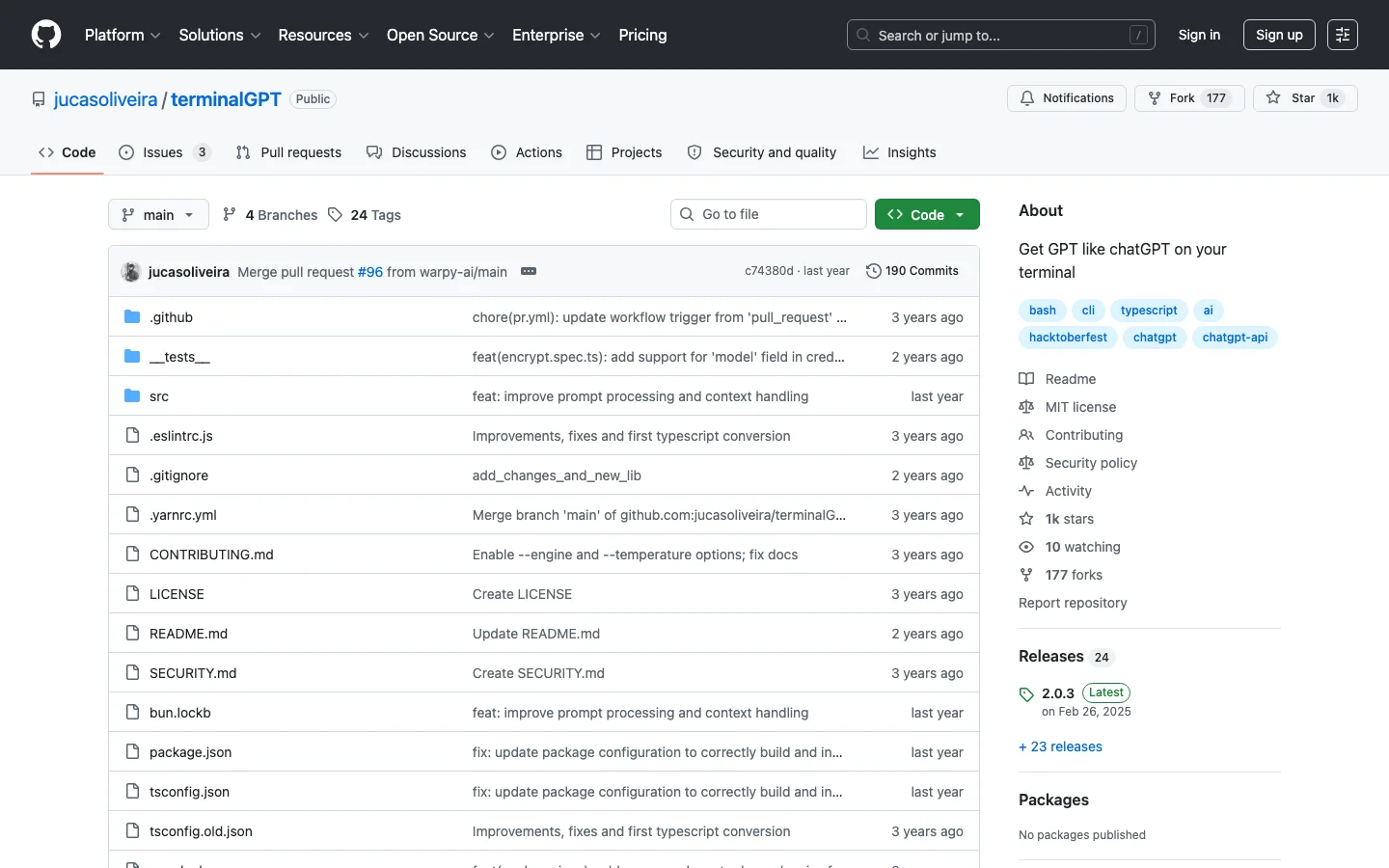
chatGPT on your terminal Introduction
For the developer who lives in the terminal, this tool is a game-changer. It brings the power of ChatGPT right to the command line, eliminating the distraction of switching to a browser. You can ask it to explain an error, generate a bash script, or document a function, all within your coding flow. This deep integration respects the developer's working environment, making AI assistance feel native and immediate. It's a beloved open-source project that embodies the 'do one thing well' philosophy of the command line.
Key Features
- Run ChatGPT directly in your terminal window
- Quickly ask coding questions, debug, and get scripts
- Streamline development workflow without leaving the command line
- Lightweight, open-source tool for power users
- Seamlessly integrates into the developer's daily environment
Alternative Tools
-
DeepSeek-V3 Open-source AI model excels in coding, math, reasoning tasks.
-
Chat With Twitter Algorithm Chatbot answers questions about Twitter algorithm for users.
-
 Chatbot Arena Chat and compare AI-powered large language models easily.
 -
 GPT2Markdown Export your conversations with ChatGPT easily.
 -
 GroqChat Quickly help you manage daily conversations with our conversational assistance tool.
 -
Hermes 3 "A tool that assists in performing complex creative and analytical tasks with long-term context."