
Easy Folders
Easy Folders brings organization to your AI chats, letting you sort conversations with Claude and ChatGPT into folders and use a prompt library.
AI chat organizerChatGPT toolClaude assistantproductivity extensionprompt librarybrowser extensionknowledge management
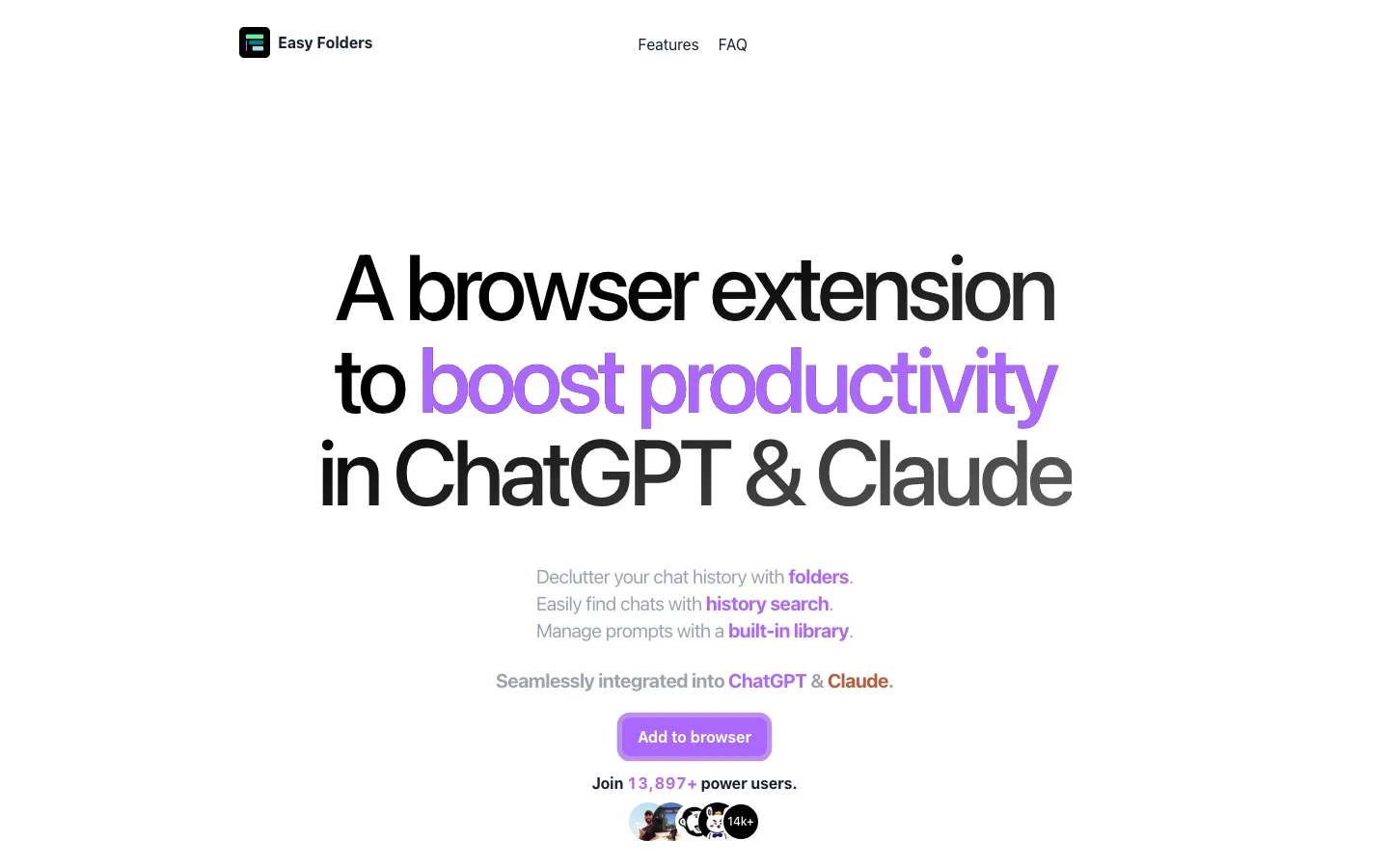
Easy Folders Introduction
Easy Folders solves the chaotic nature of long AI conversation histories. By allowing you to categorize chats into folders, it turns a messy list into a structured library of knowledge. The prompt library feature ensures you never lose a great prompt again. For heavy users of ChatGPT and Claude, Easy Folders is a simple but transformative tool that makes your AI interactions far more productive and retrievable.
Key Features
- Create folders to organize your AI conversations
- Save and reuse your best prompts
- Quick search across all your saved chats
- Works as a browser extension for ChatGPT and Claude
- Sync organization across devices
Alternative Tools
-
ListGPT Easily save and share ChatGPT conversations with our built-in prompts library—export messages as text files whenever you need.
-
Arvin AI "Enhance productivity with our browser extension offering a variety of AI-powered features for online tasks."
-
 Aurora AI Centralize organizational knowledge and workflows with contextual AI assistance.
 -
Beloga A tool to enhance research, streamline note-taking, and spark idea generation.
-
 BLUF "A browser extension for page summaries and explanations."
 -
 Coda AI Enhance productivity and efficiency with your new work assistant.