
LM Studio
A desktop application that lets you download and run powerful language models offline, keeping your data private and processing local.
Local LLMOffline AIDesktop AppModel RunnerPrivacy ToolDeveloper ToolAI Experimentation
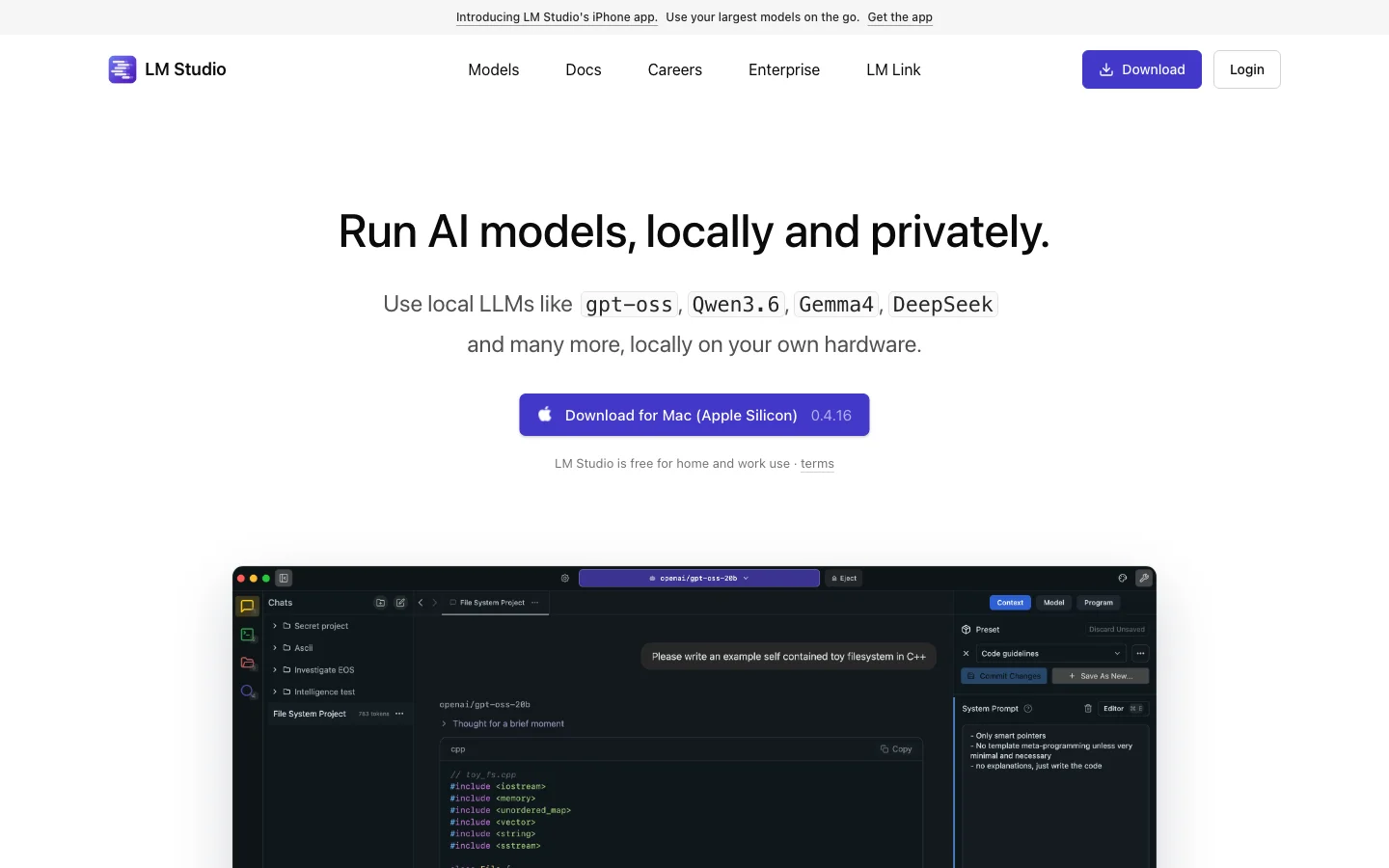
LM Studio Introduction
LM Studio is a desktop application that empowers users to run large language models entirely offline. It addresses privacy, cost, and connectivity concerns by enabling local execution of state-of-the-art models. Developers, researchers, and privacy advocates can experiment with AI, build applications, and process sensitive data without ever sending information to the cloud. Core features include a model discovery and download hub, a chat UI, and a local API server, making LM Studio the go-to platform for anyone serious about offline AI.
Key Features
- Download and run any GGUF-compatible language model on your PC or Mac
- Chat with models through a familiar interface without internet
- Use models for text generation, coding, and analysis locally
- Manage multiple models and switch between them easily
- Serve models via a local API for integration with other apps
- Download and run open-source LLMs locally
- No internet required, all data stays on device
- User-friendly chat interface
- Supports GGUF models and various quantization
- Optimized for Apple Silicon and NVIDIA GPUs
Alternative Tools
-
Msty A tool to interact with various AI models locally and privately.
-
Sanctum AI AI-powered app to run models locally on MacOS.
-
Google AI Studio Explore Google AI Studio on AiToolsList.Tools.
-
ChatGPT Token Counter Track chatGPT tokens with a handy Google Chrome extension.
-
 CodeGeeX Efficient coding assistant with code generation tools for developers.
 -
 Dify Create and manage AI applications with our platform.