
Screenshot To Code
A free, open-source AI tool that converts a website screenshot or design mockup into clean, reusable HTML, Tailwind CSS, and JavaScript code.
Screenshot to CodeDesign to HTMLTailwind GeneratorOpen Source AIFrontend ToolDeveloper Productivity
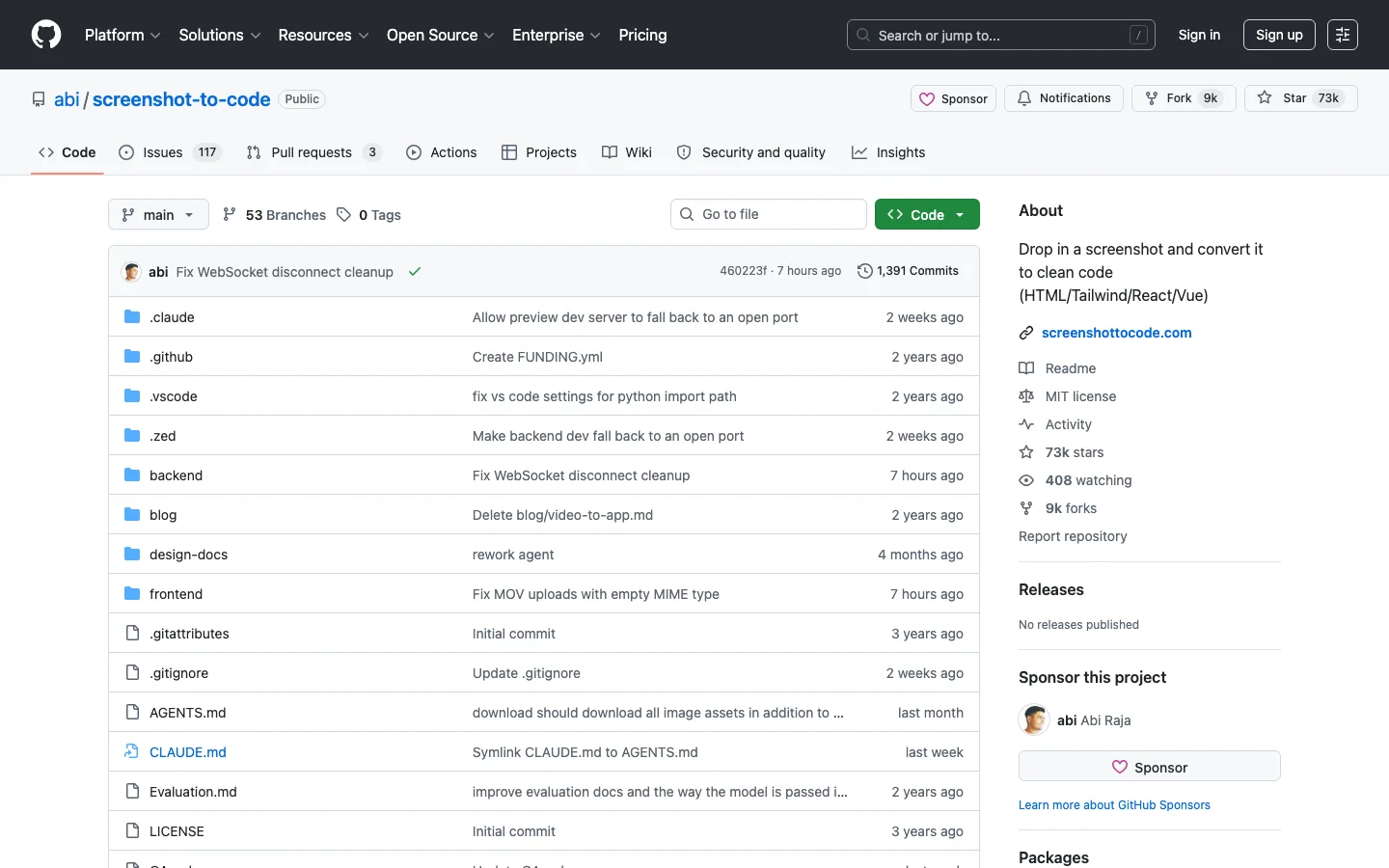
Screenshot To Code Introduction
Screenshot To Code is a widely-loved, open-source tool that solves the frustrating task of re-creating a design in code. By simply pasting a screenshot of a component or a website, you get back clean, modern code that you can immediately use in your project. It's a powerful utility for developers who need to quickly turn a design spec into a working prototype, or for anyone who wants to learn how a specific UI pattern is built.
Key Features
- Takes a screenshot of a website or a UI design and generates the corresponding HTML/Tailwind code
- Can also clone a live website's layout by providing its URL
- Uses AI to produce a responsive, pixel-perfect reproduction of the visual design
- Provides an open-source, customizable alternative to paid design-to-code tools
- Supports popular AI models like GPT-4 Vision and Claude for image analysis
Alternative Tools
-
 A0.dev Generate UI code from prompts or designs for React components.
 -
FlowiseAI Build custom language-based models with a free UI visual tool using LangchainJS.
-
 GPT Engineer Quickly generate custom code tailored to your specifications.
 -
 Gradio Help build and share machine learning apps with ease.
 - Open Interpreter Conveniently run OpenAI's Code Interpreter in your terminal with this utility.
- SWE-agent A tool that autonomously resolves bugs in GitHub repositories can help automate bug resolution and enhance code quality.