
sparkpix.ai
sparkpix.ai is a browser-based AI photo editor that allows users to enhance, restore, clean up, and restyle images using natural language text prompts.
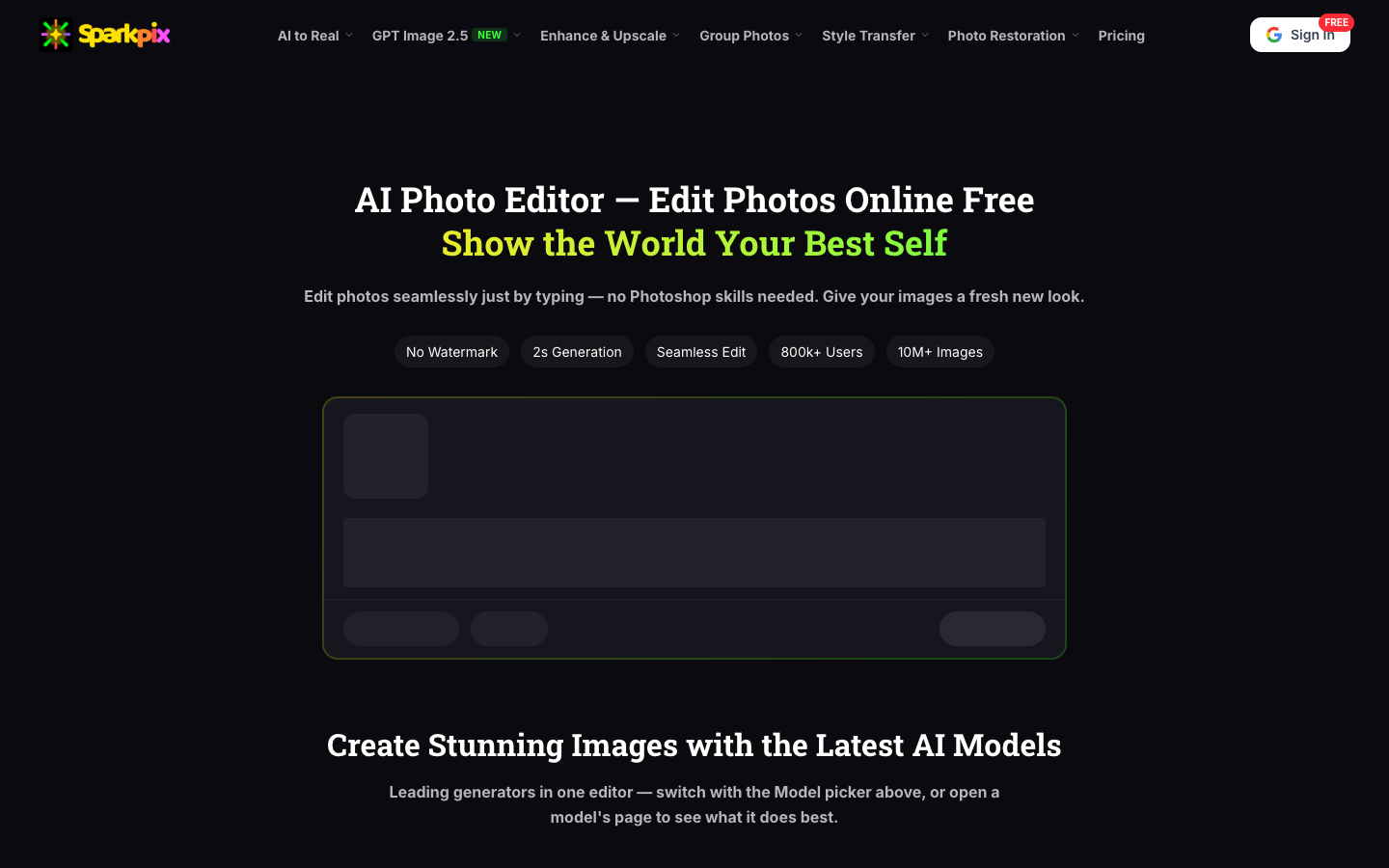
What is sparkpix.ai?
sparkpix.ai is a web-based AI photo editor that allows users to alter, enhance, and manipulate still images using natural language instructions. Designed as an alternative to complex graphic software, it lets individuals type desired adjustments directly into an editor to execute structural and cosmetic modifications.
The tool integrates various editing capabilities, including object and crowd removal, background swapping, unblurring, face enhancement, and artistic style transfer. It runs entirely within desktop and mobile browsers, processing edits without requiring local software installation.
How does sparkpix.ai work?
Editing an image on sparkpix.ai follows a standard three-step workflow:
- Upload an image in JPG, PNG, or WebP format up to 20 MB.
- Enter a natural language prompt describing the intended change, or select a pre-configured AI editing tool.
- Preview and download the generated output once processing finishes.
Use Cases
sparkpix.ai provides editing options across several practical scenarios:
- Restoring vintage photos by repairing tears, scratches, yellowing, water damage, and colorizing black-and-white prints.
- Cleaning up vacation and event photography by erasing tourists, power lines, and background distractions.
- Preparing e-commerce and product images by generating clean cutouts and replacing backgrounds.
- Generating polished portraits, dating profile images, and headshots from casual mobile selfies.
- Transforming standard photographs into creative aesthetics such as anime, oil painting, watercolor, and comic styles.
Key Features
- Natural language prompt-driven photo editing for structural and stylistic image modifications
- Photo restoration suite to fix scratches, creases, water damage, and colorize monochrome photos
- Automated background and object removal with intelligent canvas filling
- Image upscaling up to 4K resolution alongside blur reduction and facial sharpening
- Multi-style transfer transforming photos into anime, oil painting, watercolor, and comic art
Frequently Asked Questions
How do users edit photos with sparkpix.ai?
Users upload a JPG, PNG, or WebP photo up to 20 MB, type the desired changes in plain English or select a tool, and download the edited file once generated.
What photo restoration features are available on sparkpix.ai?
The platform can repair scratches, creases, tears, and water damage, sharpen blurry scans, and colorize black-and-white prints.
Does sparkpix.ai require installing desktop or mobile software?
No. The editor runs entirely in web browsers across desktop computers, Android devices, and iPhones without requiring app downloads.
Are images created on sparkpix.ai cleared for commercial use?
According to the site's pricing details, all paid credit packages include full commercial usage rights.
Alternative Tools
-
InPixio Advanced image enhancement and editing tool for professional results.
-
 Remaker AI Remaker AI is an AI creative platform offering image editing, upscaling, background removal, and visual generation tools.
 -
AILab Tools Collection of efficient image processing tools designed to simplify workflows and enhance image quality.
-
ClipDrop Transform your photos with upscale editing tools to remove backgrounds and unwanted elements seamlessly.
-
 Fotor Create stunning designs with our online photo editor.
 -
HitPaw Photo Enhancer Easily enhance image quality and resolution with this software.