 Featured
Gaming AI Tools
Power up your game development workflow with AI. This guide features top tools for generating 3D assets from text, creating lifelike characters with conversational AI, and designing entire game worlds.
Tools in this category
33
Featured
A few visually richer picks from Gaming, highlighted first for quicker browsing.
Featured 
 Featured
  Featured
  Featured
 Latest
Browse the rest of the Gaming tools in the full directory list below.

ArnisWeb
Turn real-world locations into Minecraft Java Edition maps in your browser.

AuxWorld
Create infinite virtual worlds with endless adventures.

Blockade Labs
Create stunning panoramic views using our free research tool.
COHEZION
Unlock game analytics insights with our platform.
Convai
Facilitate natural conversations between characters in virtual worlds.

Framedrop
Transform stream clips with this automated tool that processes Twitch streams.

Genie
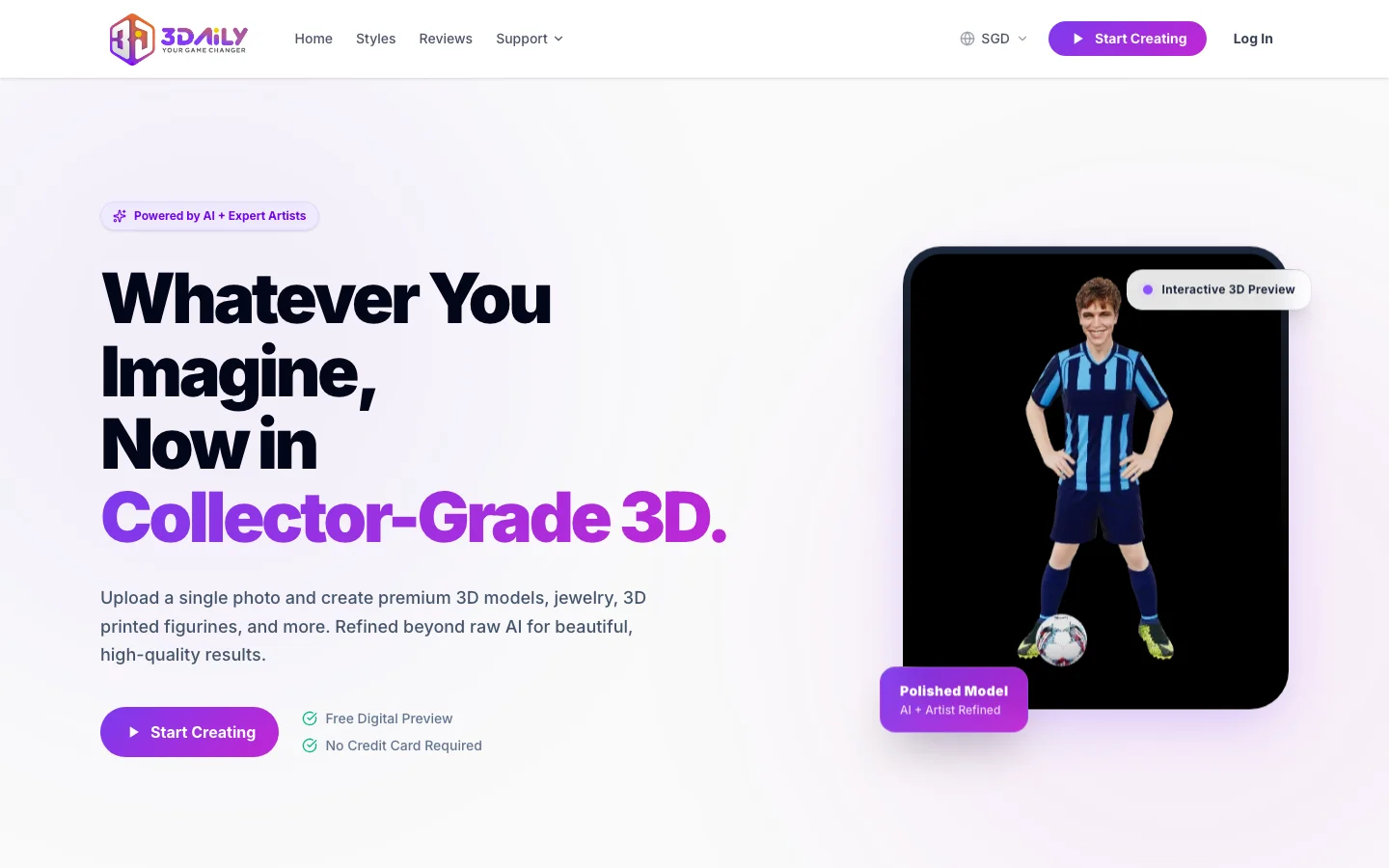
Create stunning 3D models from text with this powerful tool.
HeroPack
Create gaming avatars with AI in just a few clicks, inspired by video games.
Hidden Door
Create unforgettable experiences with our AI-powered social roleplaying platform that generates unique stories.
Inworld AI
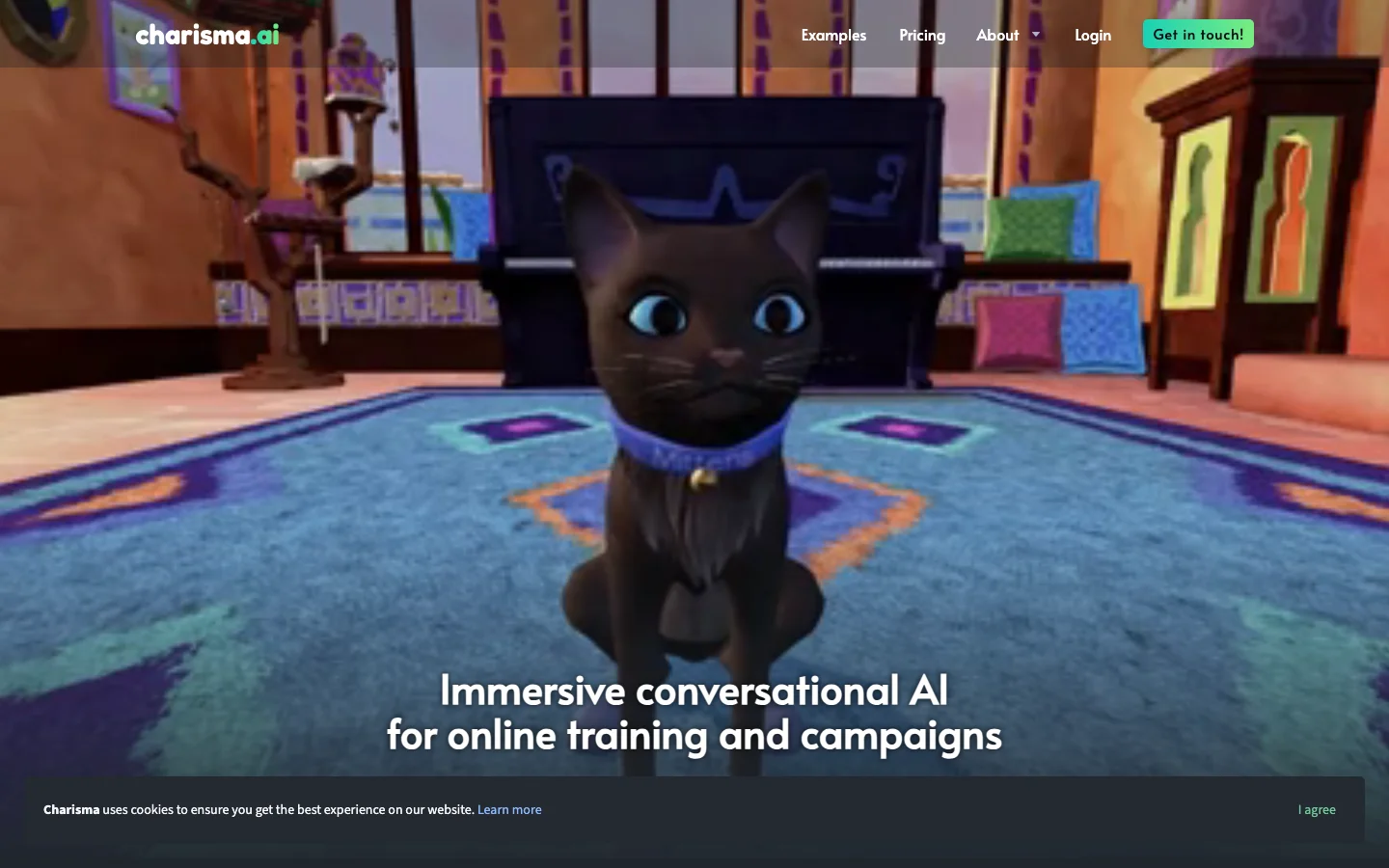
Transform ordinary objects into lifelike AI characters using natural language.
Kaedim
Transform 2D images into detailed 3D models easily with this powerful tool.

Layer AI
A professional tool to streamline your workflow with game asset content creation.

Leonardo.ai
Generate high-quality game assets for production.
LitRPG Adventures
A tool designed to enhance tabletop RPG experiences with customizable content and game generators.

Ludo
Create and research game trends with our platform.
Meshy AI
Create stunning 3D content with advanced texturing and modeling tools.
Kaedim
AI-Powered 3D Prototyping lets you create detailed models and generate precise designs.
Opus
Effortlessly enhance your game development with our comprehensive toolset.
Pixela.ai
Upload and share textures and patterns for games effortlessly.

Rooms
Quickly create and mix interactive room designs using our web-based tool.
Saga RPG
Bring your creativity to life with text adventures featuring lifelike AI characters.

Scenario
Generate dynamic game assets using advanced AI technology.

skingenerator.io
Create custom Minecraft skins efficiently with this tool.

Sloyd
Create game-ready 3D assets with advanced parametric generators and machine learning tools.

Spline 3D
Discover 3D objects and models with prompts on our platform.

Sprite Fusion
A tool for designing 2D game tilemaps in-browser.

Yakkr Growth
Streamers can grow their online presence with our tool designed specifically for them.
Gaming FAQs
What are Gaming tools?
Gaming tools are built for creative play, interactive experiences, experimentation, and fun-oriented digital use cases. Depending on the product, they may help users generate game assets, create entertaining content, explore ideas, or simply enjoy playful AI experiences. While some tools are casual, others still offer real value for creators and hobbyists. This category page gathers a range of Gaming products so you can discover interesting options more easily.
What are the best Gaming tools?
The best Gaming tools usually balance creativity, ease of use, and strong output quality. Some are more experimental and playful, while others can support serious content production, community engagement, or asset generation for projects. The right choice depends on whether you want fast entertainment, inspiration, or something useful enough to include in a broader workflow. Comparing several tools is the best way to find the ones that feel genuinely enjoyable and practical.
Are there any free Gaming tools?
Yes, many Gaming tools offer free access, starter tiers, or limited daily usage, which makes them easy to test before spending money. Free versions are often enough for trying out the experience, generating sample content, or using the tool casually. If you need more output, commercial rights, or advanced controls, you may need a paid plan. This directory includes both free and paid Gaming tools so you can explore options at different levels.
How do I choose a Gaming tool?
To choose a Gaming tool, think about whether you care most about novelty, quality, customization, or long-term usefulness. It helps to compare output style, speed, ease of use, pricing, and whether the tool is fun enough to keep coming back to. If the category overlaps with content creation or creative work, also check export quality and licensing. Testing a few tools yourself is usually the fastest way to find a standout option.
Who should use Gaming tools?
Gaming tools are useful for hobbyists, creators, gamers, community builders, marketers, and anyone who wants to experiment with AI in a more playful way. They can also be valuable for brainstorming, audience engagement, and generating fresh content ideas outside of traditional work tools. If you enjoy discovering creative digital experiences or want lighter tools that still produce interesting output, this category is well worth exploring.