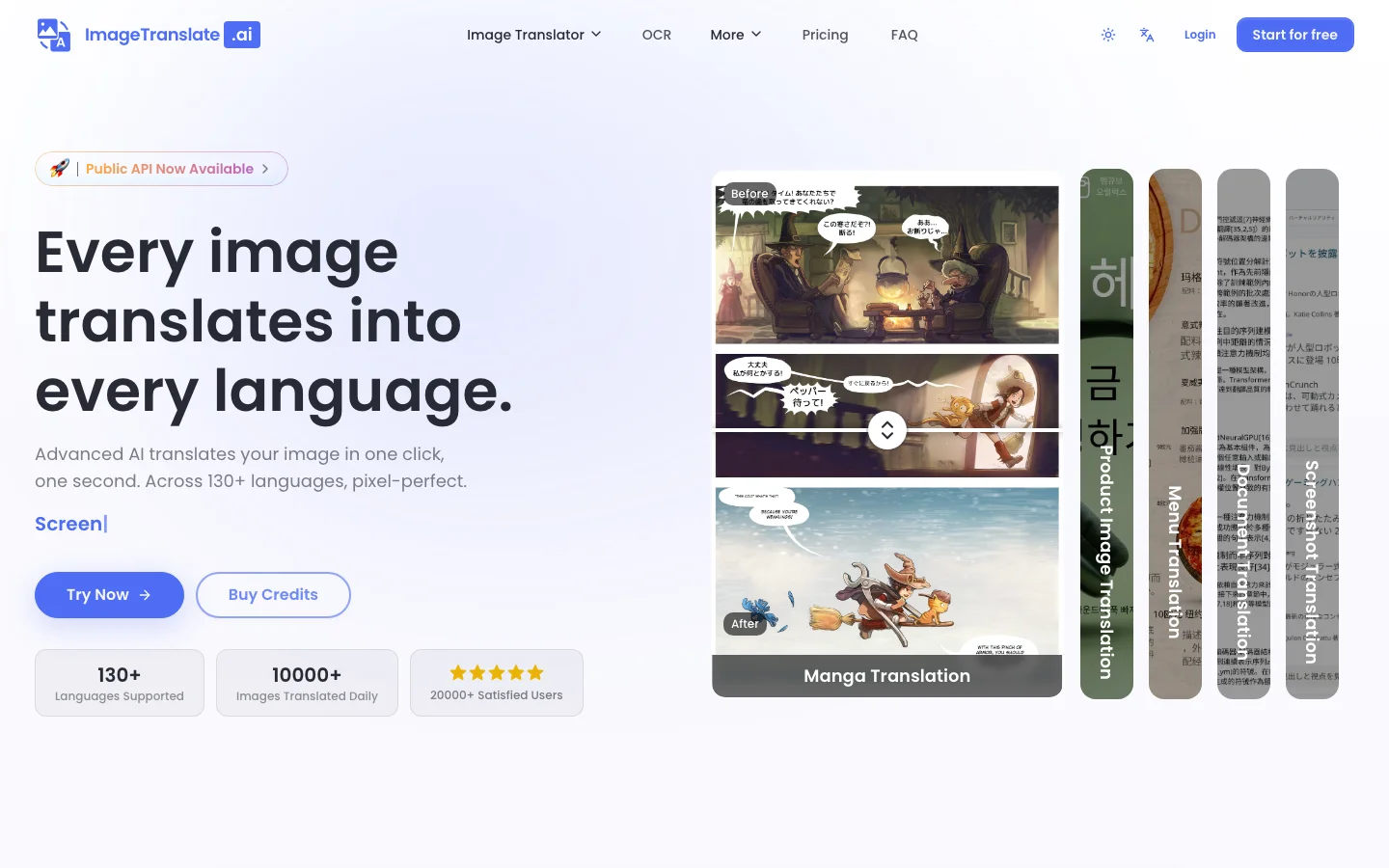
 Featured
Image Scanning AI Tools
Turn the physical world digital with a curated list of AI image scanning tools. Explore apps that convert images to text with OCR, create 3D models from photos, and extract structured data from any document.
Tools in this category
22
Featured
A few visually richer picks from Image Scanning, highlighted first for quicker browsing.
Featured  Featured
 Featured
 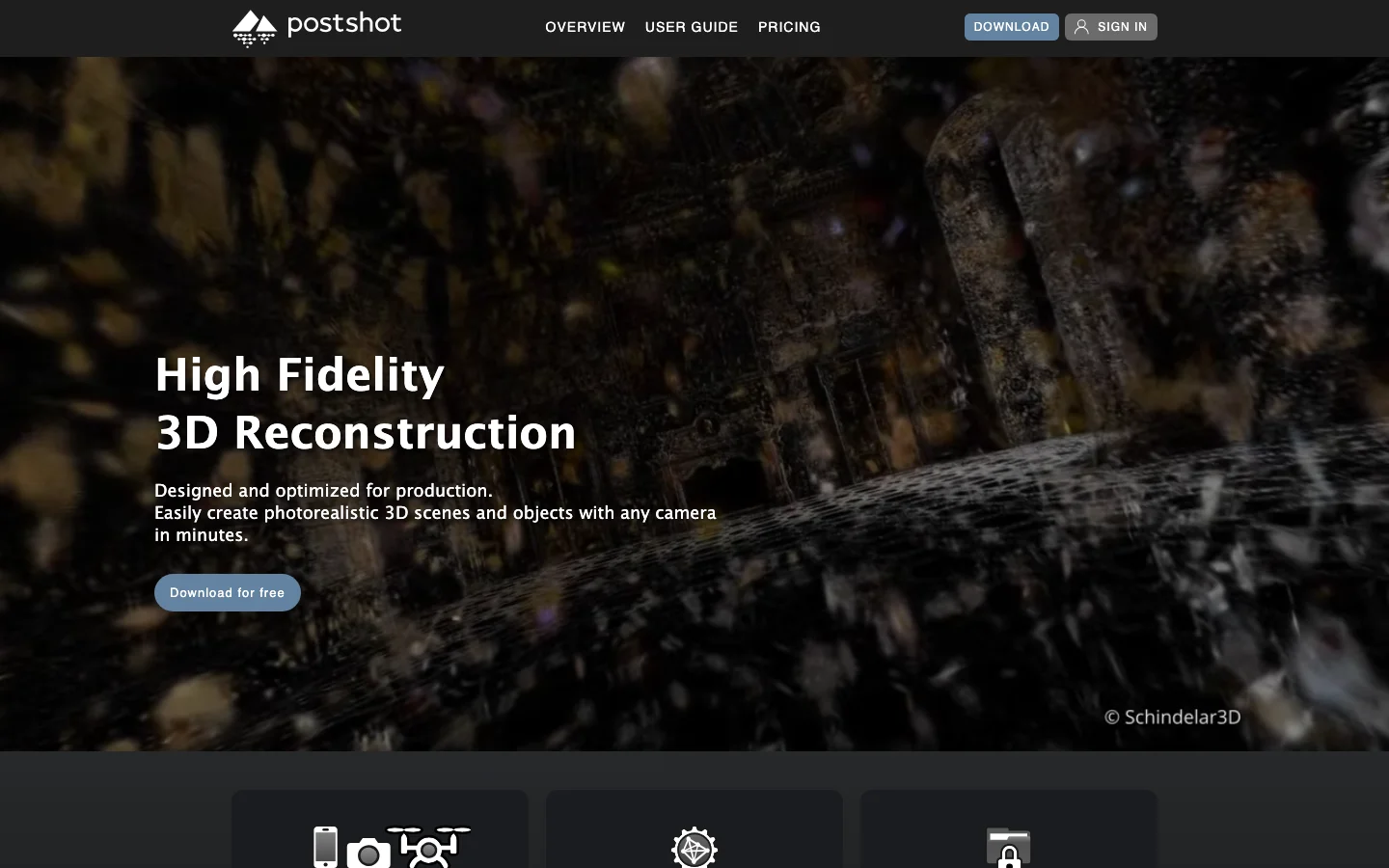 Featured
Latest
Browse the rest of the Image Scanning tools in the full directory list below.

Scout by Asseter.AI
Quickly find 3D models with pictures.

Nuanced
Transform detection of AI-generated images and content seamlessly.
MathHandwriting
Transform handwritten mathematical equations into professional LaTeX code with our API.

Meals.Chat
Track your calories and macros with our app that analyzes meal photos and descriptions.

MagiScan
A mobile app that transforms real-world objects into 3D models using your smartphone’s camera.
NeuralBox
Scan things that mean something to you.

Body Scan by Zing
Track your body fat percentage, lean mass percentage, and create personalized fitness programs with our comprehensive tool.
Receipt AI
Easily manage receipts with our receipt management app.
Qlone
Transform your photos into stunning 3D models with our augmented reality app. Elevate your AR experiences with photo-to-3D conversion.
Segment Anything (Meta)
An open-source image processing tool designed to remove any object from photos.
Ailiverse
Master computer vision with comprehensive image classification training.
UBIAI
Instantly convert text, images, and documents into data that helps AI learn better.

Polycam
Quickly scan real-world items into detailed 3D digital images.

Thing Translator
Capture an image with Google’s AI to find out what’s in it.
Luma AI
Scan real-world objects instantly into lifelike 3D images using modern NeRF technology.

Rokoko
Bring out stunning motion capture animations with your webcam.
Clip Interrogator
Plug in an image, and it will generate a prompt to replicate it.
Replicate
Quickly get a prompt to replicate any image by plugging it in.
Image Scanning FAQs
What are Image Scanning tools?
Image Scanning tools help users extract, detect, and structure text or information from images and documents. In many cases, this category overlaps with OCR, AI OCR, document scanner software, image to text tools, and broader Document AI workflows. These products are commonly used for PDF OCR, text extraction, receipt processing, document digitization, and handwriting recognition.
What are the best Image Scanning tools?
The best Image Scanning tools usually combine strong OCR accuracy with reliable formatting, fast processing, and support for real document workflows. Some products are better for scanned PDFs and document scanner use cases, while others handle receipts, forms, or image to text tasks more effectively. The right tool depends on your document volume, language needs, and how structured the output must be.
Are there any free Image Scanning tools?
Yes, some Image Scanning products offer free plans, trial credits, or limited OCR access. These can be enough for occasional text extraction, PDF OCR, or simple document scanner tasks before upgrading to a paid solution. If you process many files, compare usage limits, export quality, and how well the tool handles mixed layouts or low-quality scans.
How do I choose an Image Scanning tool?
Choose an Image Scanning tool by comparing OCR accuracy, speed, export options, language support, and how well it handles your document types. If you need Optical Character Recognition for receipts, forms, or broader Document AI workflows, test several tools on the same files. The best option should save time while preserving the text structure you actually need downstream.
Who should use Image Scanning tools?
Image Scanning tools are useful for operations teams, researchers, accountants, legal teams, educators, and businesses that deal with paper-heavy or PDF-heavy workflows. They can simplify document digitization, AI OCR extraction, archive processing, and image to text conversion at scale. If your workflow depends on turning visual documents into searchable or structured data, this category is highly valuable.